
Mastering the Mobile Code Editor
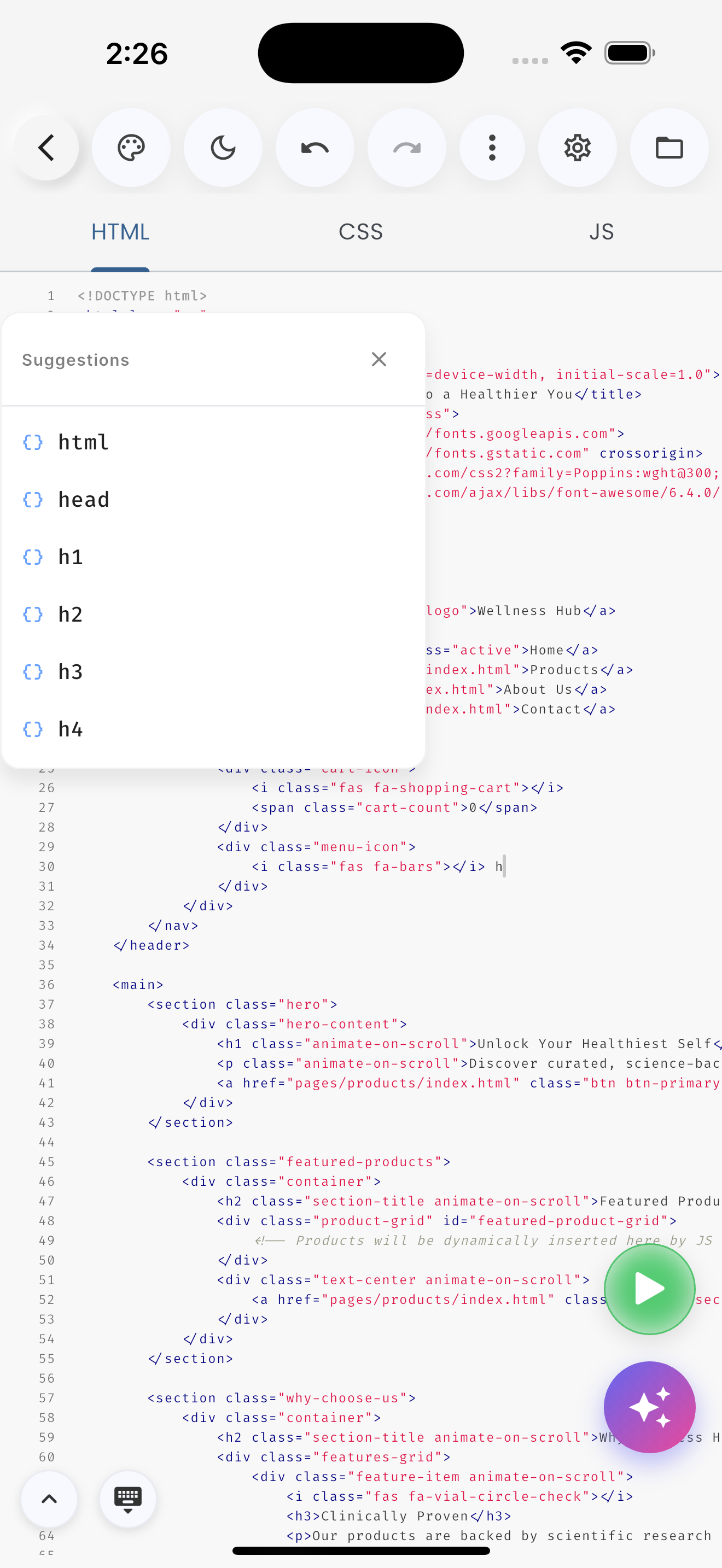
Writing code on a touch screen has a bad reputation. We built Web IDE to change that. The editor is the heart of the app, and it's packed with features designed specifically for mobile workflows.
Syntax Highlighting & Autocomplete
The editor supports full syntax highlighting for HTML, CSS, JavaScript, PHP, Python, and SQL. But it goes beyond colors. The Intelligent Autocomplete suggests tags, properties, and variable names as you type, significantly reducing keystrokes.
The Toolbar
Above the keyboard, you'll find a custom toolbar. This gives you instant access to characters that are hard to reach on mobile keyboards, like <, >, {, }, and ".
Live Preview
One of the most powerful features is the split-screen preview. You can code and see the results instantly, without switching tabs.
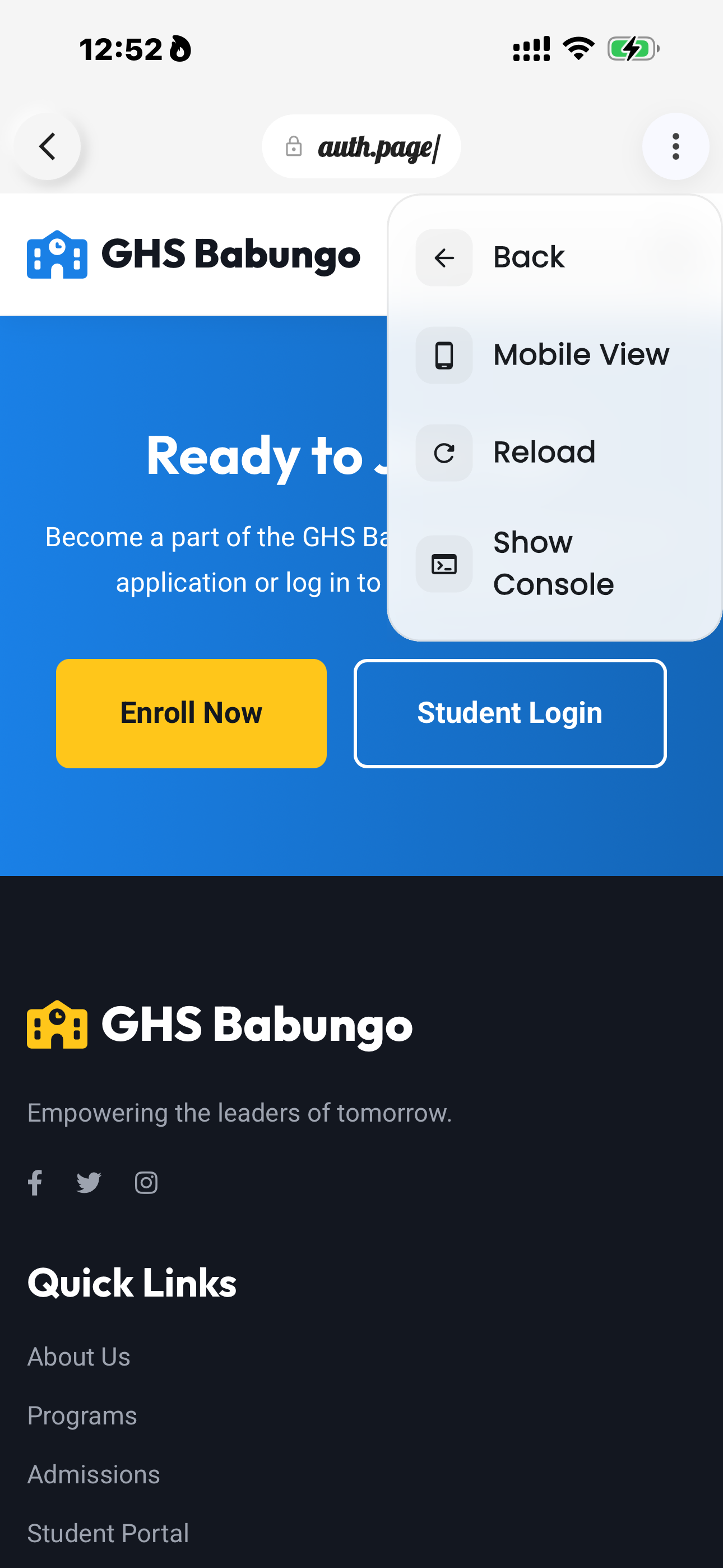
This immediate feedback loop is crucial for tweaking CSS layouts or debugging JavaScript logic on the fly.