
Smart AI: Maximizing Your Assistant's Power
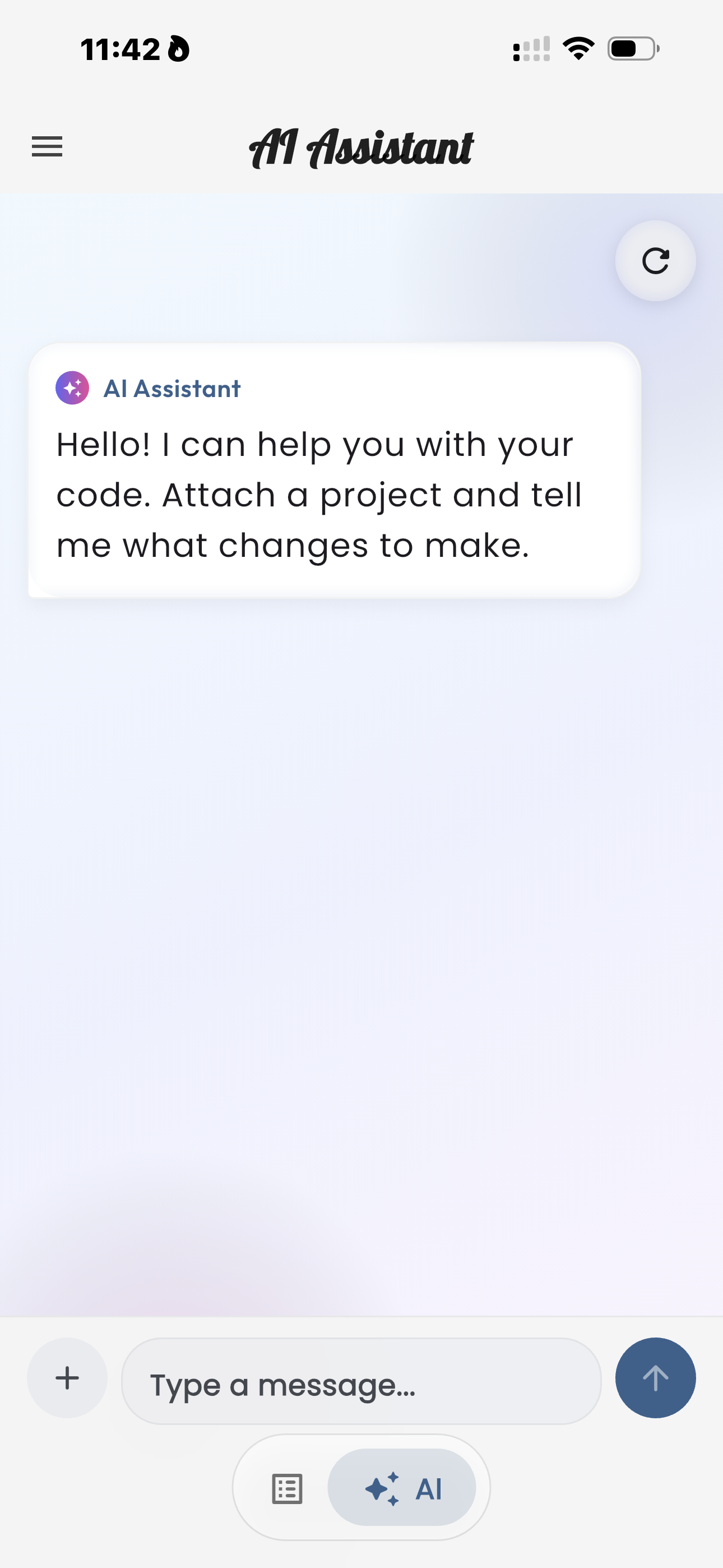
The Web IDE AI Assistant is a powerful tool, but like any powerful tool, knowing how to use it efficiently can significantly enhance your productivity. Here are some pro tips to get the most out of your AI coding companion.
Crafting Effective Prompts
The quality of the AI's response often depends on the clarity and specificity of your prompt. Instead of vague requests like "make a website," try:
- "Create a three-column responsive layout for a product display page, using Tailwind CSS classes, featuring an image, title, description, and price for each product."
- "Debug this JavaScript function
calculateTotalPrice(items), ensuring it correctly handles discounts and returns a final value, and explain any errors."
Provide context: if you're working on a specific file, attach it to the chat. The more information the AI has, the better its suggestions will be.
Leveraging AI for Learning
Don't just use the AI for writing code; use it for understanding code. Ask it to explain complex concepts, document your functions, or even help you learn a new library by providing examples. This turns your AI into an interactive mentor.
Understanding Your AI Allowance
The Web IDE AI Assistant operates on an allowance system, clearly displayed in your settings. This "AI Limit Card" (as shown above) provides a quick overview of your current plan and usage.
Card Breakdown
- AI Assistant (Standard Plan): Indicates your current subscription level and AI features.
- Usage (0 / 20): Shows how many AI requests you've used out of your total allowance for the period.
- 20 left: A clear indicator of your remaining requests, making it easy to track.
- "Running low!" Action: If your allowance is low, the card suggests actions like watching an ad to quickly replenish your creative allowance, ensuring you can keep coding without interruption.
To make the most of your allowance, focus on concise and clear prompts. Break down complex problems into smaller, more specific queries. This not only conserves your requests but also helps the AI provide more accurate and helpful responses.